


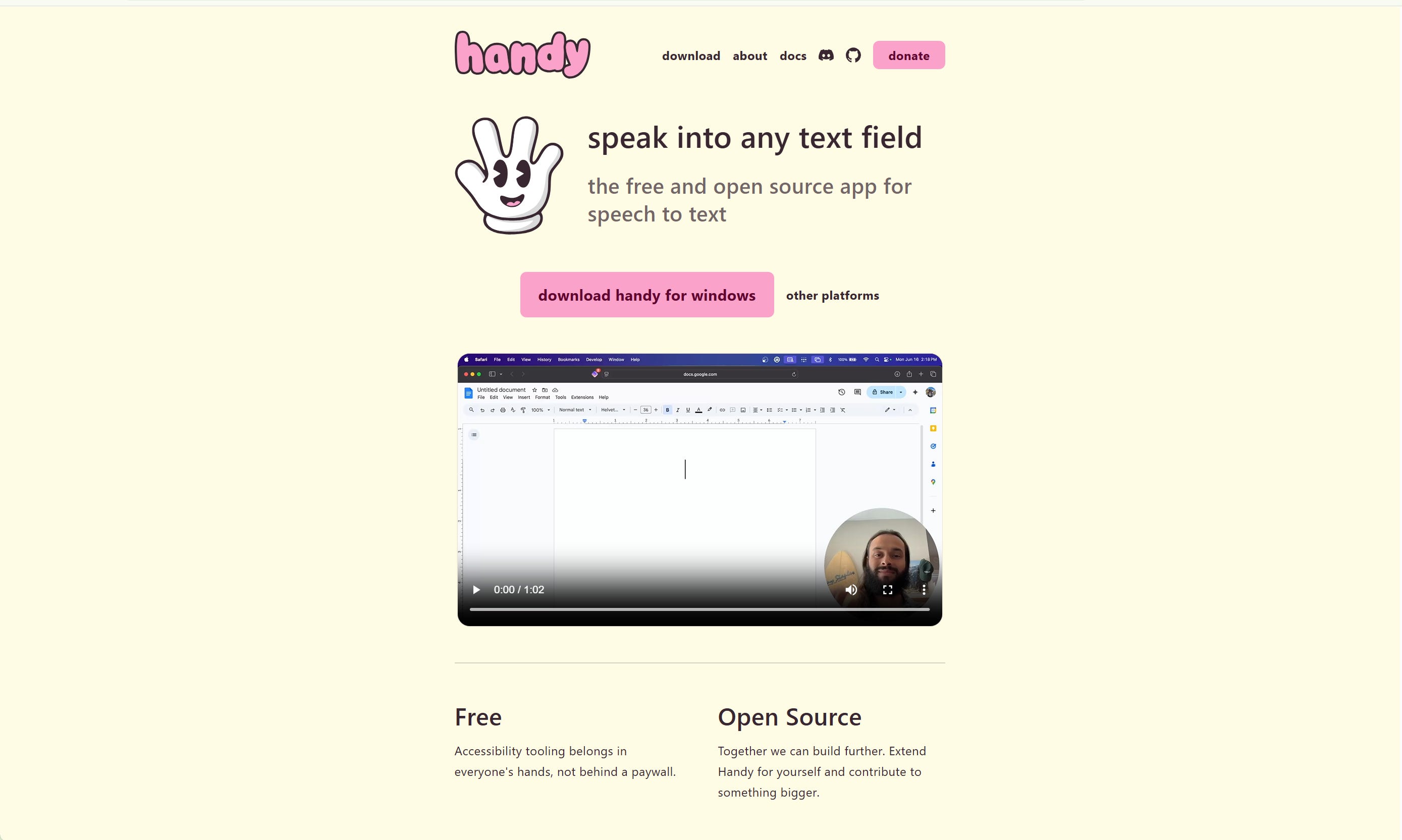
Speech-to-text on my laptop wasn’t something I thought about right away when I first found out about Handy, but I use speech-to-text almost every day on my phone to send messages or jot things down, so I knew I could use it similarly.
What really sold me on using it more and more was that I can copy the text completely after it’s transcribed, even though it will paste it into whatever text box or text field you have open on your screen. You can still go in afterward, have it retranscribe something that it might have made a mistake with, and it also records a complete audio recording of you saying everything that it’s going to type out on screen, which is great if I want to record a solo podcast episode and have something to put in the article section of the podcast on Substack. So I use it a lot when I’m practicing saying things into a microphone without feeling like I need to put something out to the world professionally or have a finished product that I’m putting out to the world of me speaking into the microphone, like a video or a podcast. So it’s just an easy way for me to get some reps in without having to worry about putting something out there that I’m not comfortable with right away.
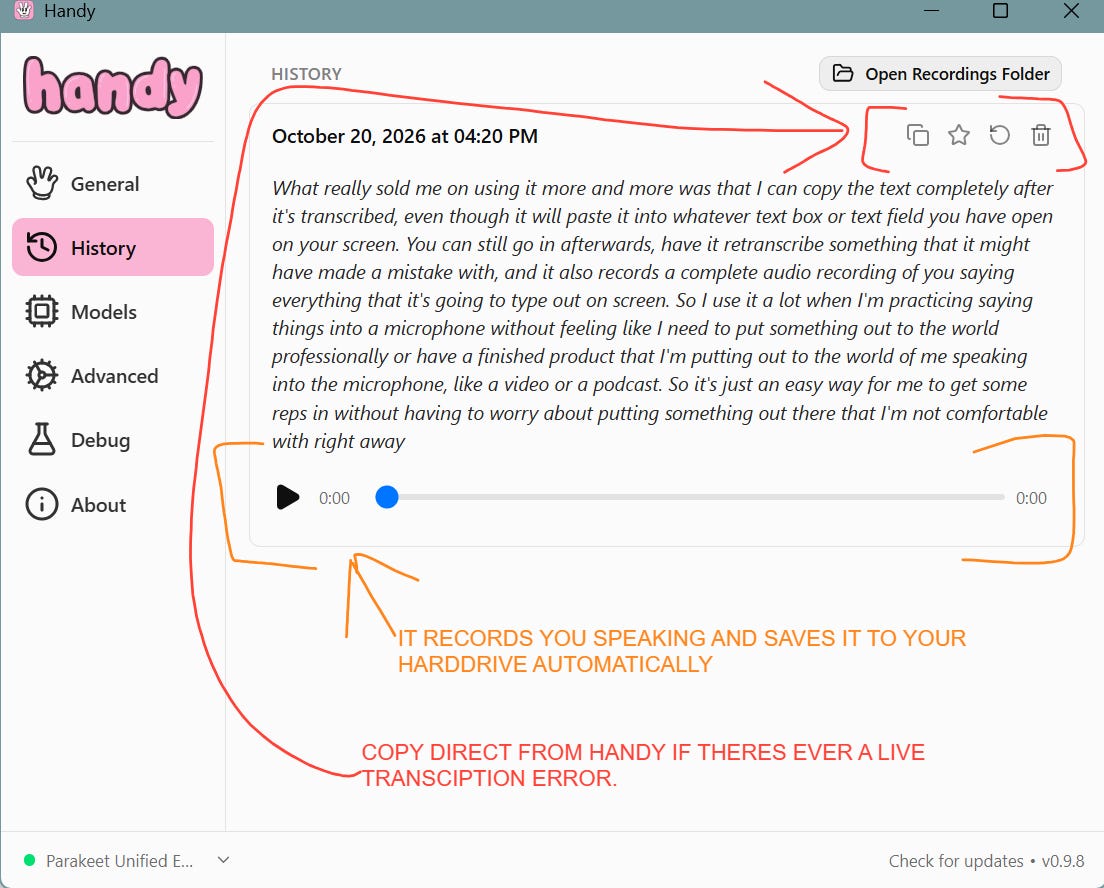
One of the ways I find myself using it more and more is when I write something in physical form in a notebook or a journal, on a piece of paper or on a sticky pad, and I need to get it into a document, email, or note on the computer, and it’s just so much easier for me to read it to the computer and have it be typed in automatically, or at least after I’m done speaking, and then I can just copy-paste it into whatever document I need to paste it into.
It also helps me edit when I’m reading it to myself because I can hear how it sounds. I can make changes or edits to the text after it’s put into whatever document I’m using it in, and it really helps me make those simple edits so it sounds more natural or flows a little bit better, especially if I want something to read a little bit more casually than professionally. Then I can come back in and use Grammarly Pro to help me add the grammar so readers can read it the way I said it. My grammar has always been an issue, and I don’t put any effort into making it better.🤣
It’s also free, open source, and lives locally on your machine without the need for an active internet connection.